
Convly AI Image-to-Prompt
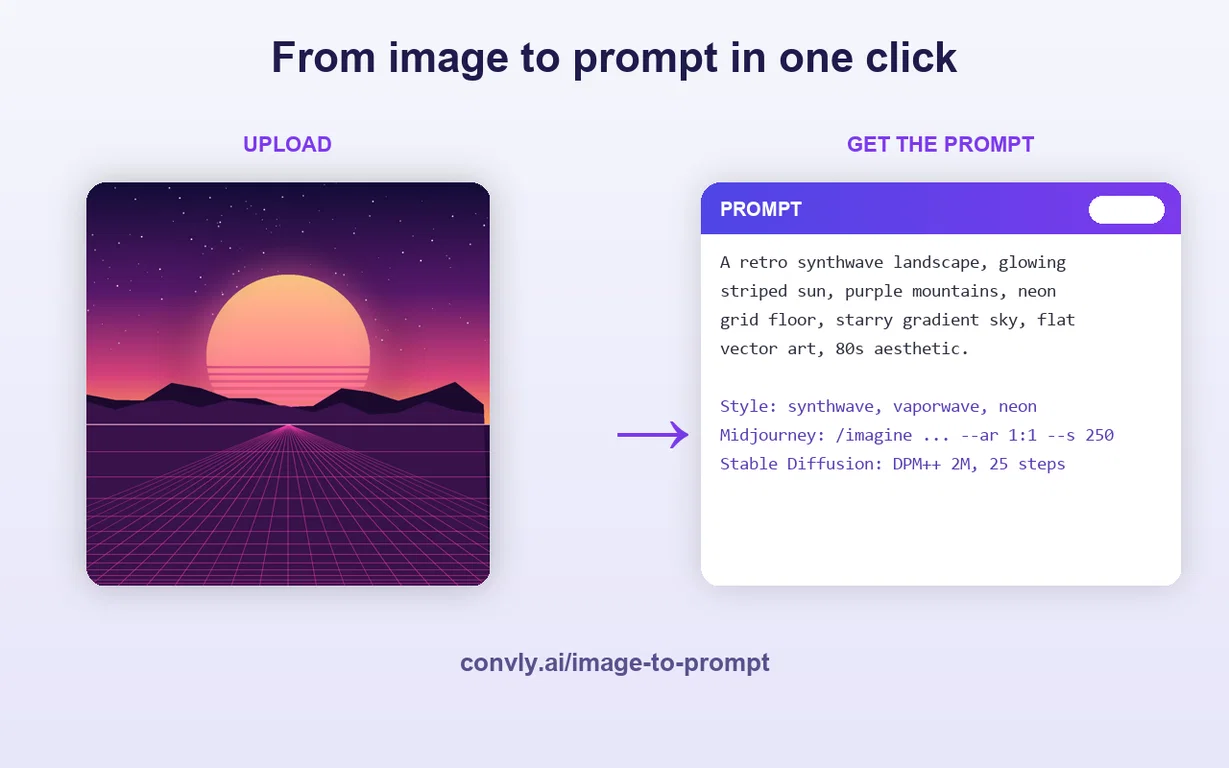
Convly AI Image-to-Prompt turns any image into a detailed, editable text prompt in seconds — completely free, with no signup and no watermark. Upload a photo, screenshot, or piece of AI art, and the tool reads its subject, style, lighting, composition, and mood, then writes a ready-to-use prompt you can paste straight into Midjourney, Stable Diffusion, DALL·E, or Flux.
It’s perfect for reverse-engineering a look you love, learning to describe images like a pro, or getting unstuck when you don’t know what to type. Works on mobile and desktop, no account required.
Part of Convly — a hub of free AI tools, model comparisons, and cost calculators.
Pros and Cons
Pros
Provides detailed text-to-image prompt
Offers style breakdown
Suggests Midjourney parameters
Suggests Stable Diffusion parameters
Recreates image look
Cons
Estimates not exact
Doesn’t recover original seed
Inaccuracies in vision model
Dependent on image metadata
Not ideal for copied/shared images
What is the Convly AI Image-to-Prompt Generator?
Convly AI Image-to-Prompt Generator is a machine vision tool that transmutes any uploaded image into a detailed text-to-image prompt, a style breakdown, and suggests Midjourney and Stable Diffusion parameters to replicate the aesthetics of that image.
How does the Convly AI Image-to-Prompt Generator work?
Convly AI Image-to-Prompt Generator employs a vision model to interpret the image and generate a closely aligned text prompt, style breakdown, and settings. This is not a mere fetch of the stored prompt, instead, it describes the visual content of actual photographs, screenshots, or hand-drawn art to fashion a text-to-image prompt.
Can Convly's tool replicate the exact original seed and settings of an image?
No, Convly’s tool cannot retrieve the exact original seed and settings from a finalized image. Therefore, the numbers provided should only be considered as close approximations.